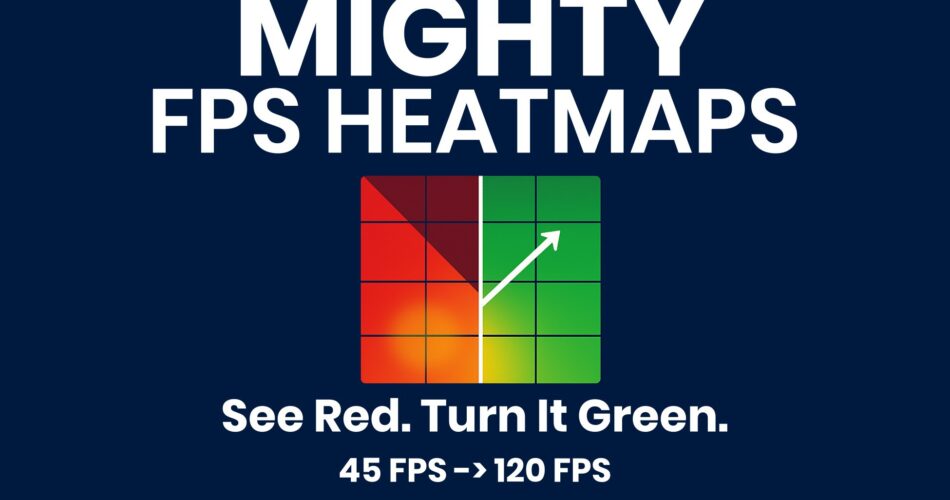
Mighty FPS Heatmap adds live 2-D/3-D heatmaps and FPS gizmos to the Unity Editor (via free Mighty DevOps) so you instantly spot frame-drop hotspots, debug faster, and prove your optimisations.
MIGHTY FPS HEATMAPS
Turn Red Zones Green in Minutes
Unity 6-ready • URP & HDRP • Add-on for the free Mighty Maps core
Why it’s in every optimisation pass
• Instant Hotspots – three views (Origin, Projection, Object) light up slow areas.
• Target-FPS Slider – dial 30 / 60 / 120 fps; colours shift live as you tune.
• Smart Filters – isolate by time-range, fps range, poly count, or camera-view.
• Follow-Sceneview Mode – visualize from the same angle the read was taken.
• Zero Setup – import, press Activate, and start fixing. Built in Getting Started guide.
Roadmap
• Memory Maps – Next up we’ll overlay memory usage as a heatmap
Technical details
• Pure C# source, no DLLs – organised under assembly definitions for easy exclusion from builds
• Editor-only: adds 0 KB and 0 ms to player builds (all work happens inside the Editor)
• Compatible with Unity 2022.3 LTS, 2023.2 — Built-in, URP, HDRP
• Requires Mighty DevOps ≥ 1.5.0 (free core)
Profiling Features (v 1.0.0)
• Origin Heatmap – stamps FPS where the camera stood
• Projection Heatmap – projects FPS forward along the view cone
• Object Heatmap – ray-casts visible meshes, pins FPS at exact hit points
• Live FPS Spheres – 3-D gizmos hover over hotspots inside the Scene view
• Timeline Scrubber – isolate any slice of a play-through, watch heatmap animate
• Disk-based session logs – save, reload and compare without re-profiling